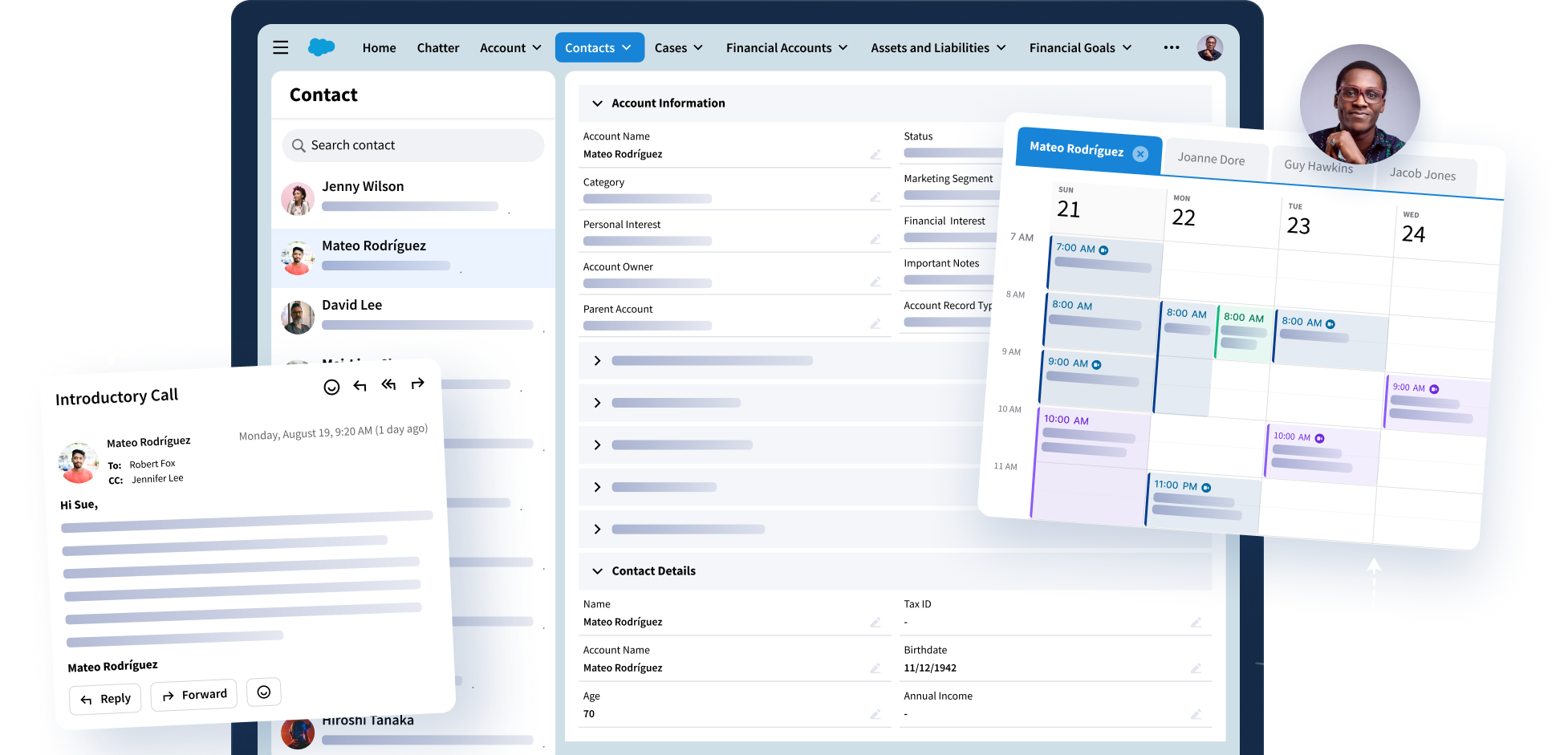
Access Your CRM Right Where You Work
Work with CRM records where you are every day, with no extra tabs or tool switching required. Bring client intelligence into your inbox so you can work faster, better, and deliver for your clients.
Trusted by Fortune 500 Companies





Use Cases
A Better Way to Work With Customer Data
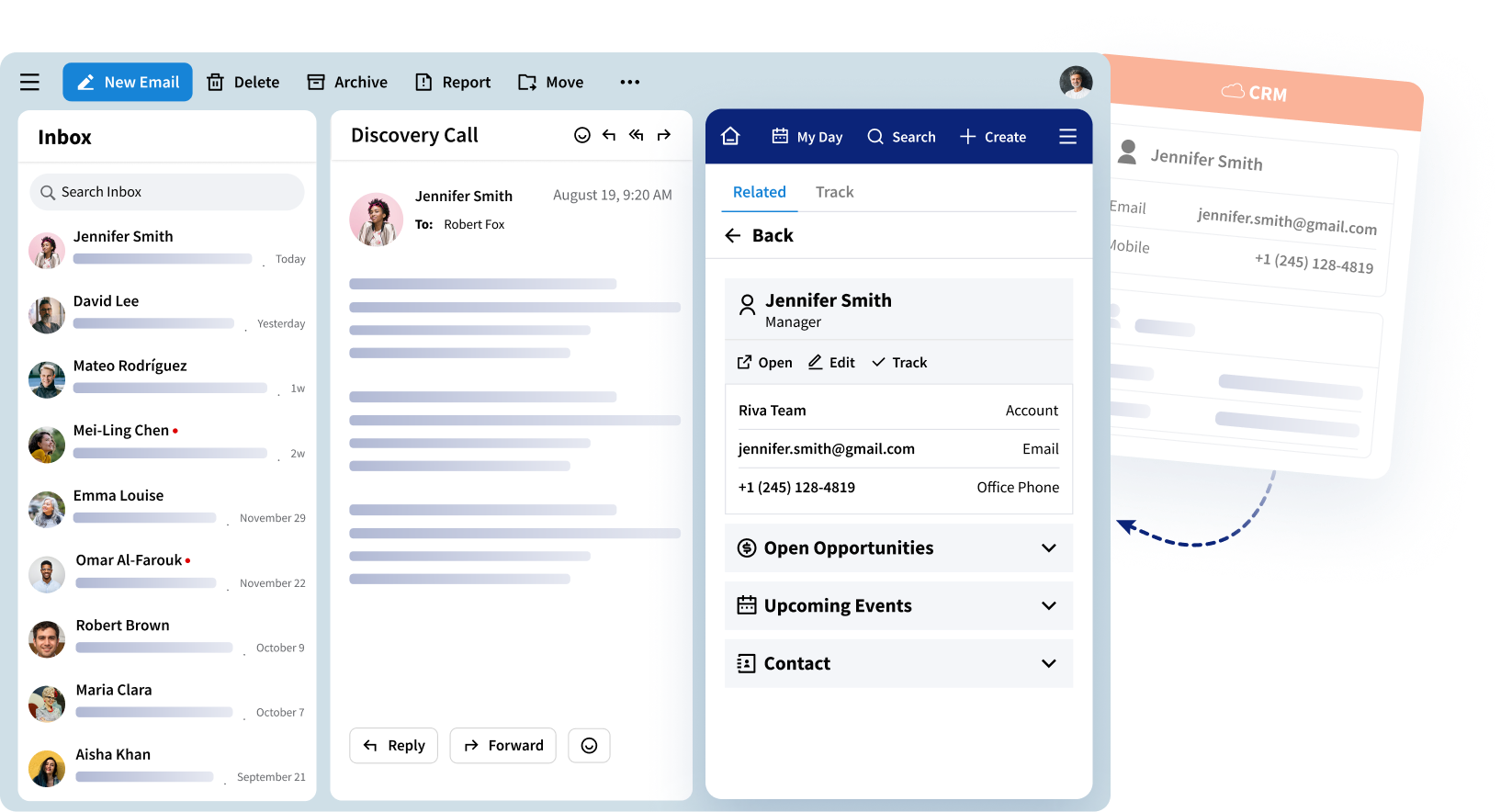
Access Client CRM Data Without Leaving Your Inbox
View the right contacts, accounts, and opportunities alongside your emails and meetings.
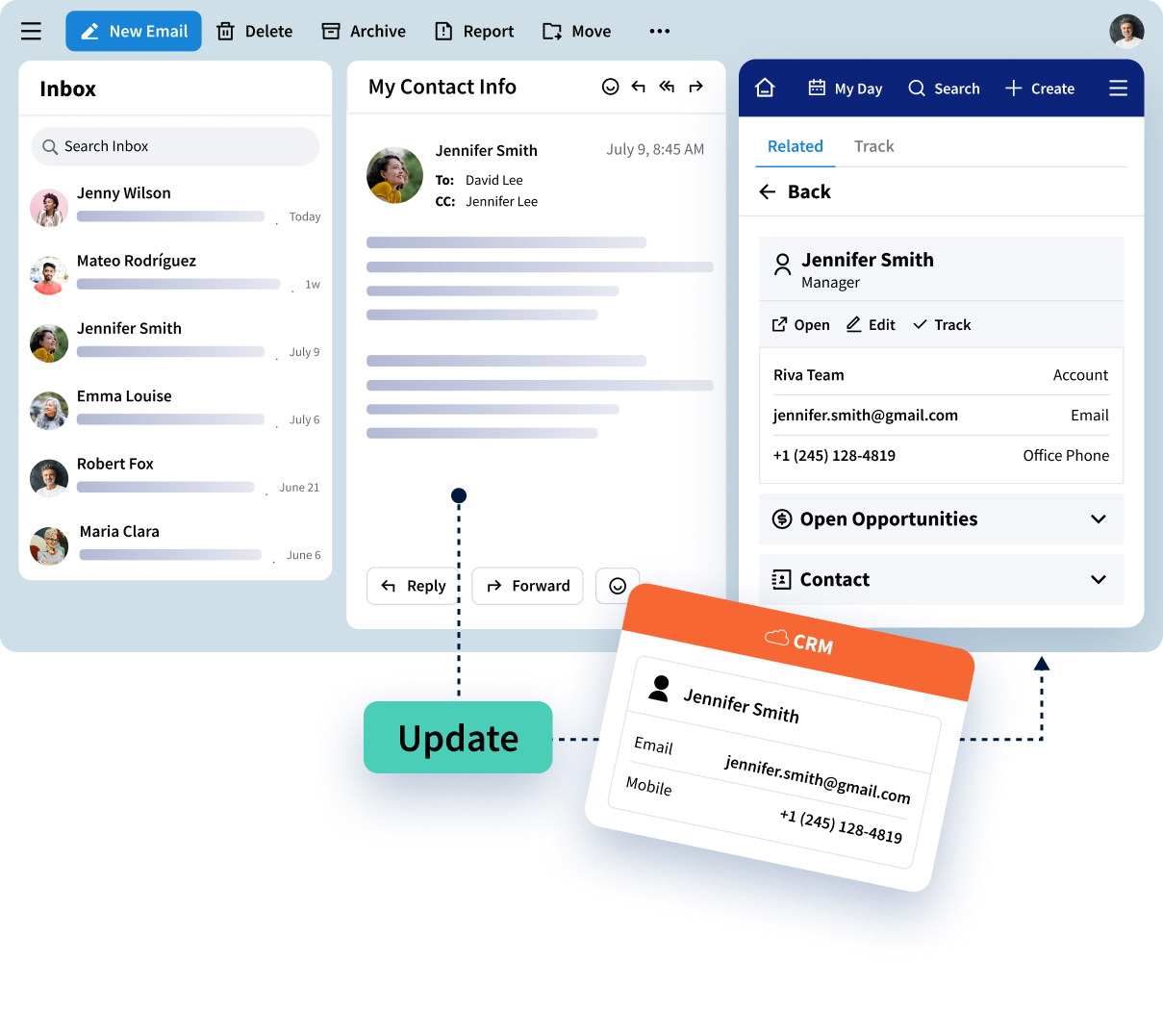
Update CRM Records as You Work
Create and update CRM records directly from your inbox. Keep information accurate and complete as you go, without interrupting your flow or losing focus.
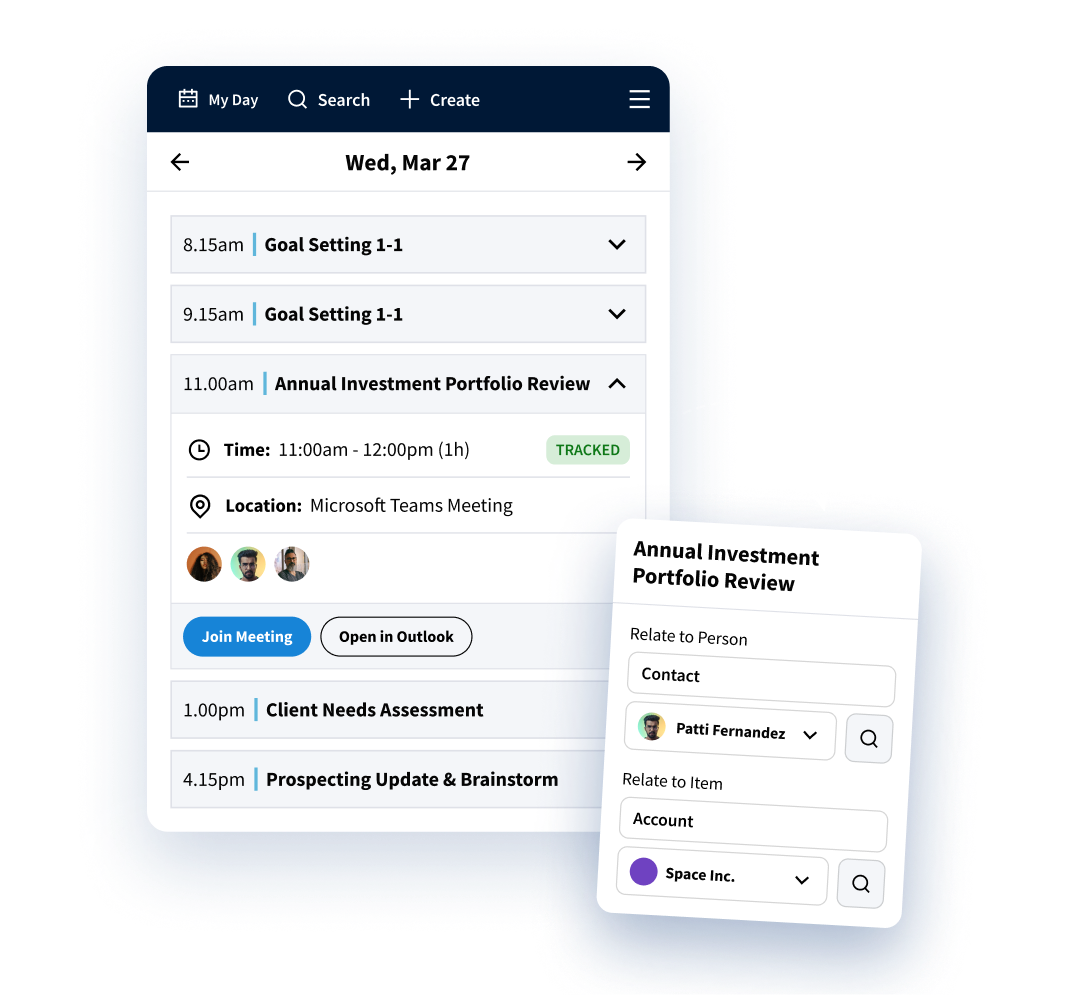
Enrich CRM Data With Every Interaction
Track messages to additional contacts, capture missing details, and build a complete picture of your client relationships, turning data into customer intelligence without adding extra work.
Features
Access Customer Insights and Intelligence
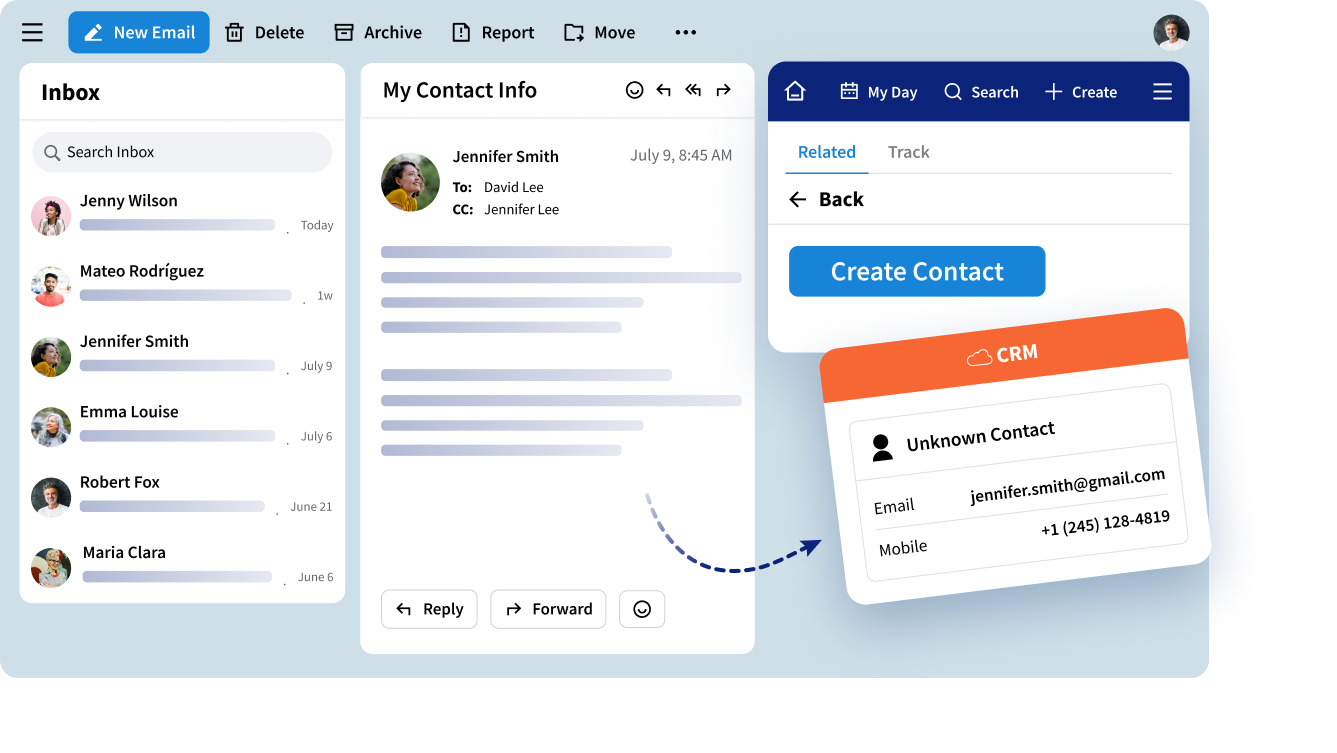
Create New CRM Records From Outlook
Create leads, contacts, tasks, and more in CRM without leaving Outlook or your calendar, and while operating within your existing data policies.
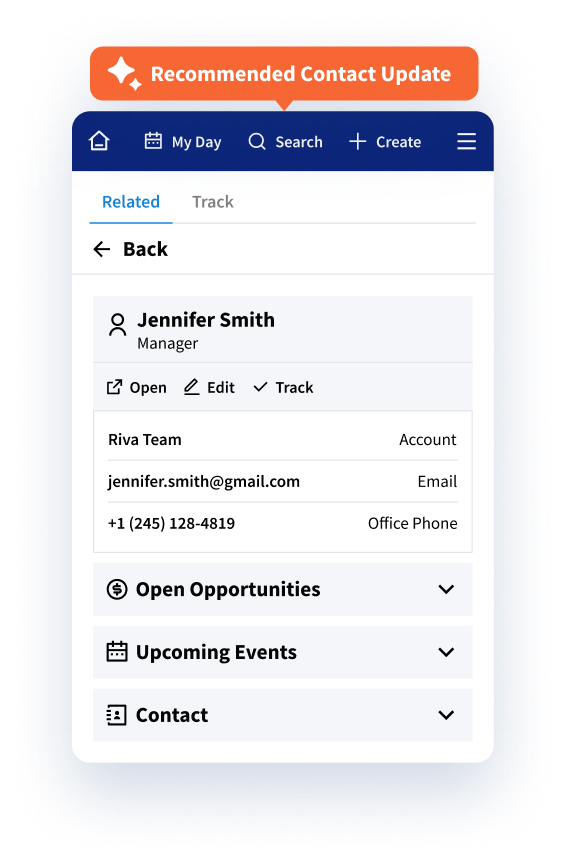
Use AI to Enrich CRM Records
Use AI to detect gaps in CRM data and instantly enrich records for more complete, accurate client intelligence.
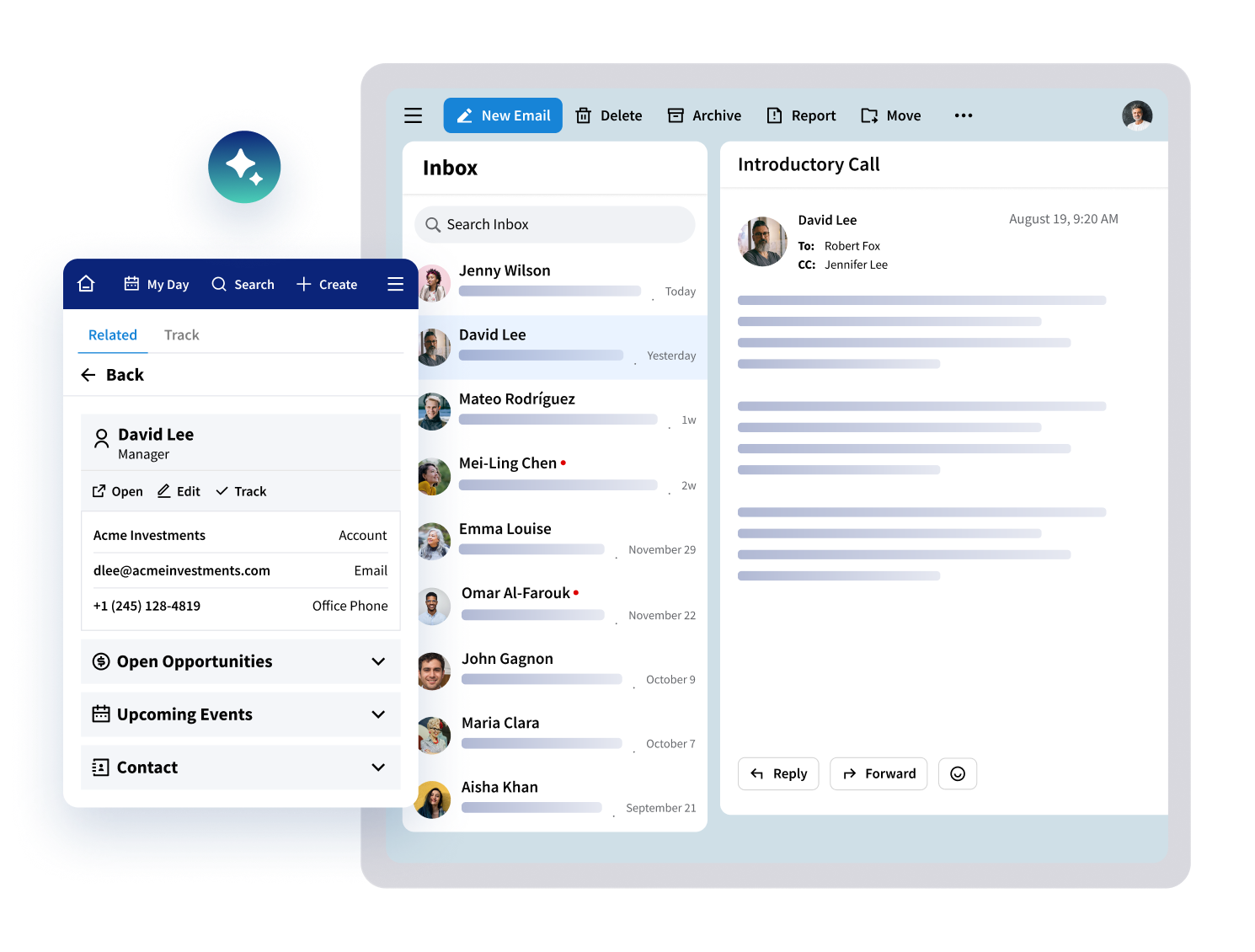
View Full Customer Context
See full client profiles and make updates in context from an inbox side panel, optionally enabling AI insights if they fit your governance policies.

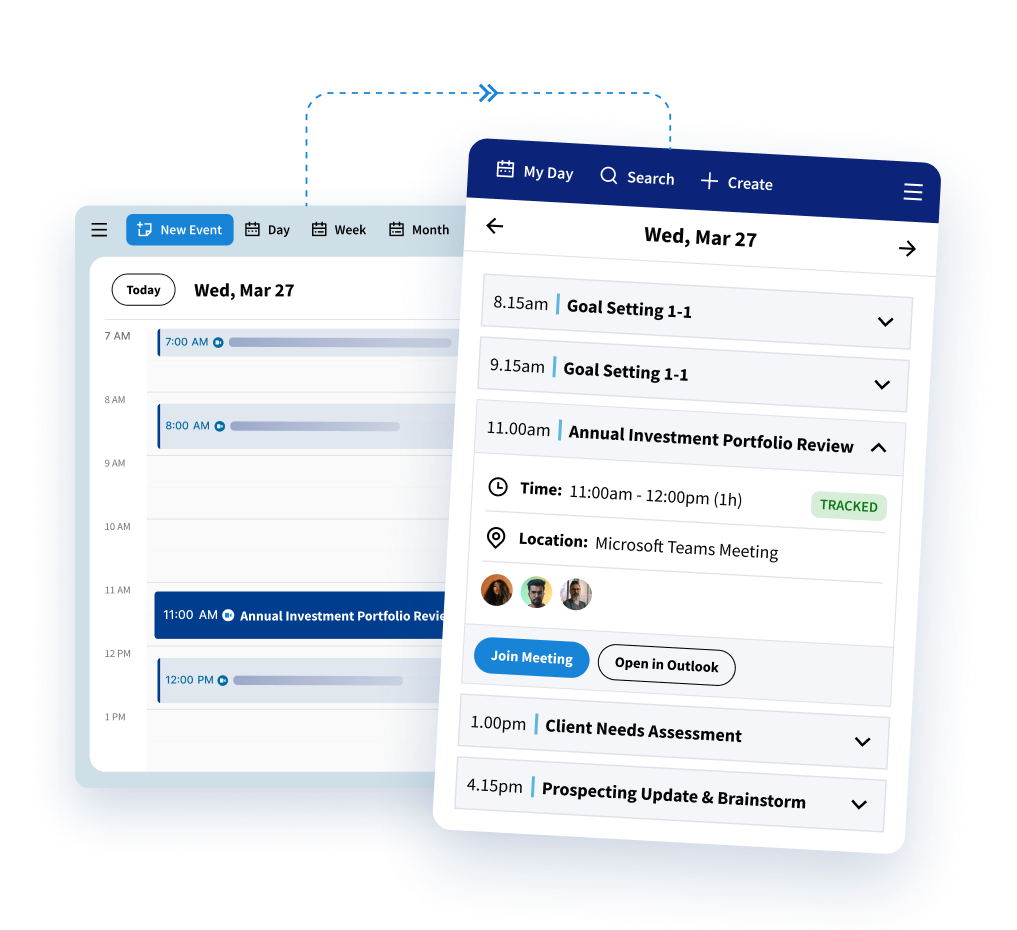
Quickly Reference My Day and Calendar
Stay on top of your schedule without leaving your inbox or disrupting your workflow
Track Data to Additional Contacts in CRM
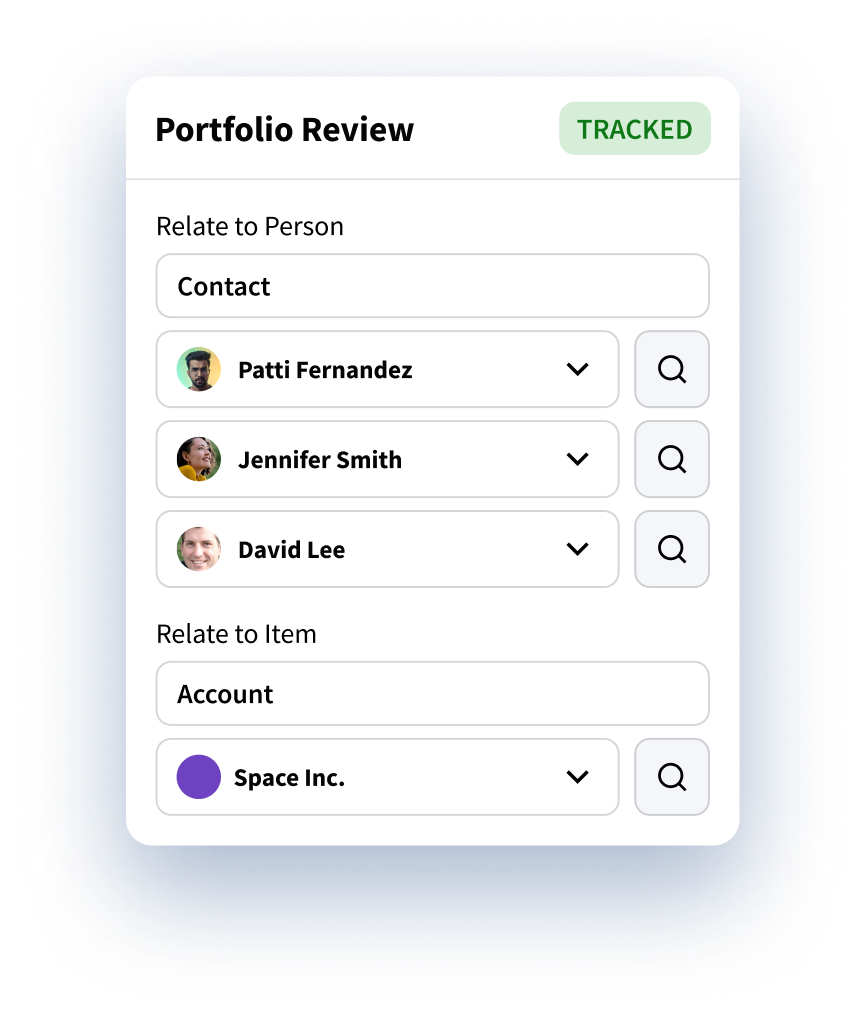
Associate emails and meetings with multiple contacts or opportunities, mapping client relationships and building a more complete profile for effective engagement.
Why Leading Enterprises Choose Riva
Customer Success Stories
What Our Clients Say

"Effortless! Our advisors don’t have to change the way they work – they aren’t even aware that Riva is wrangling our client data across applications in the background. They have data they can trust in the applications they work in every day – and they no longer have to re-enter data!"
Executive Vice President and Chief Information Officer, Leading Boston-based Hedge Fund Firm
View Success StoryExplore More Features
More features to supercharge your workflow
Calendar Sync
Connect calendars and meeting data to the CRM for a complete record of activity.
Contact Management
Identify and create new contacts from email participants to keep CRM data accurate and complete.
Email Capture
Capture emails as they hit your inbox and add them to the right CRM records for better client insights.
Email Bursts
Send personalized one-to-many messages using CRM data without leaving your email client.
Email Templates
Use pre-approved templates to draft consistent, effective emails quickly.
Sales Cadences
Create and manage step-by-step outreach sequences with built-in timing and automation.
Bookings
Share real-time advisor availability and automate client scheduling to improve customer experience.
Keep CRM Data Updated, Automatically
We’ll show you how emails, meetings, and contacts update in real time, so your team spends less time logging and more time connecting.
Let’s ChatUnlock Client Data. Elevate Client Experiences.