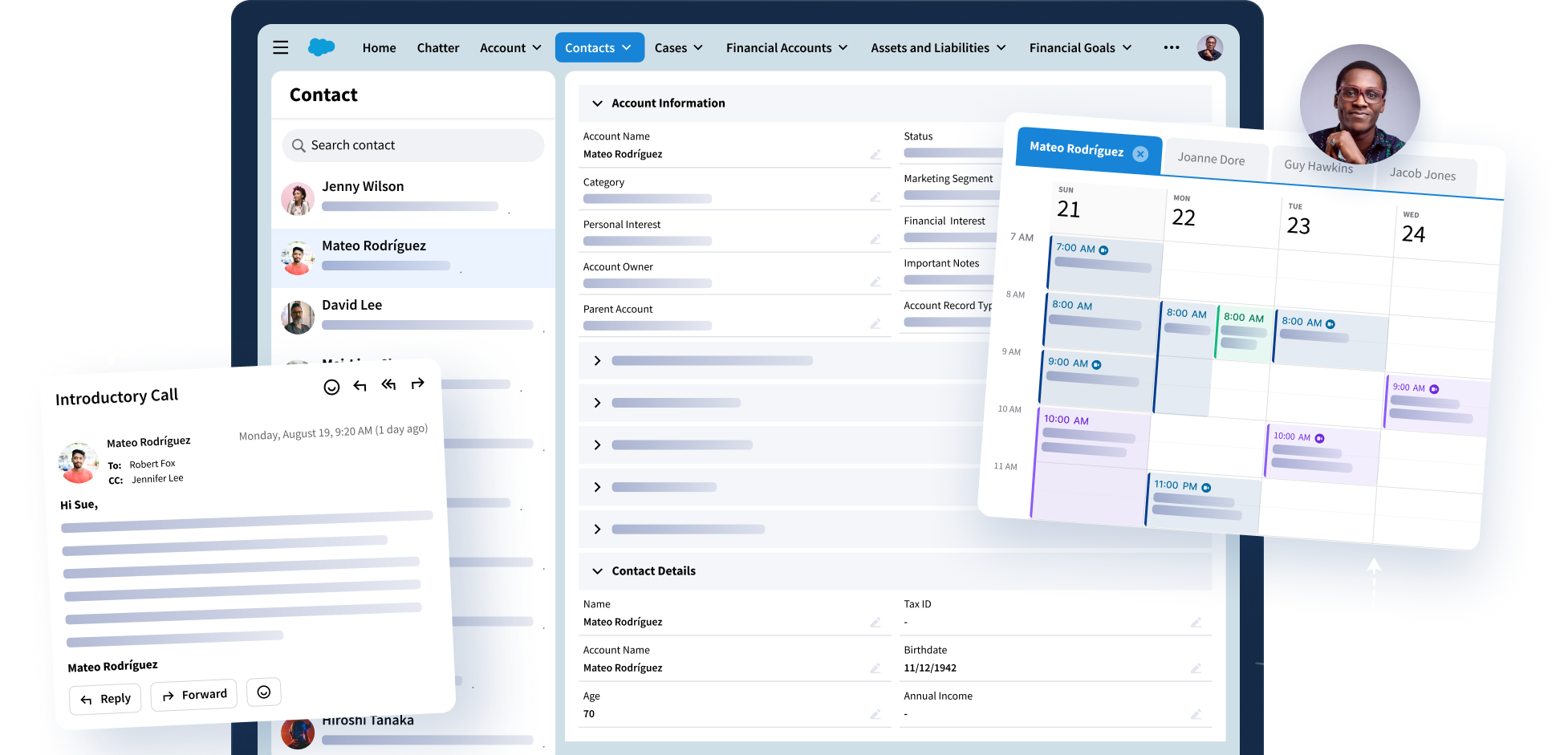
Match and Manage Your Contact Data
Riva connects address books and CRM with policy-based controls so contact records stay accurate and accessible without manual updates.
Trusted by Fortune 500 Companies





Use Cases
Manage Your Contacts Effectively Across Teams
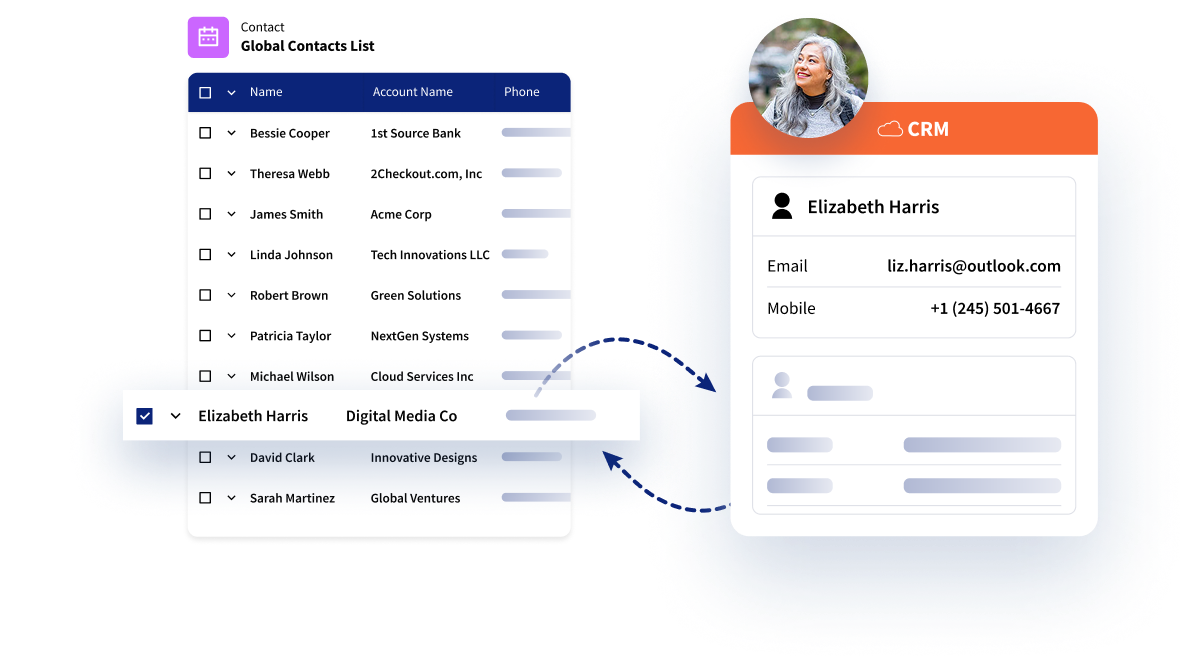
Keep Your Contact Lists in Sync
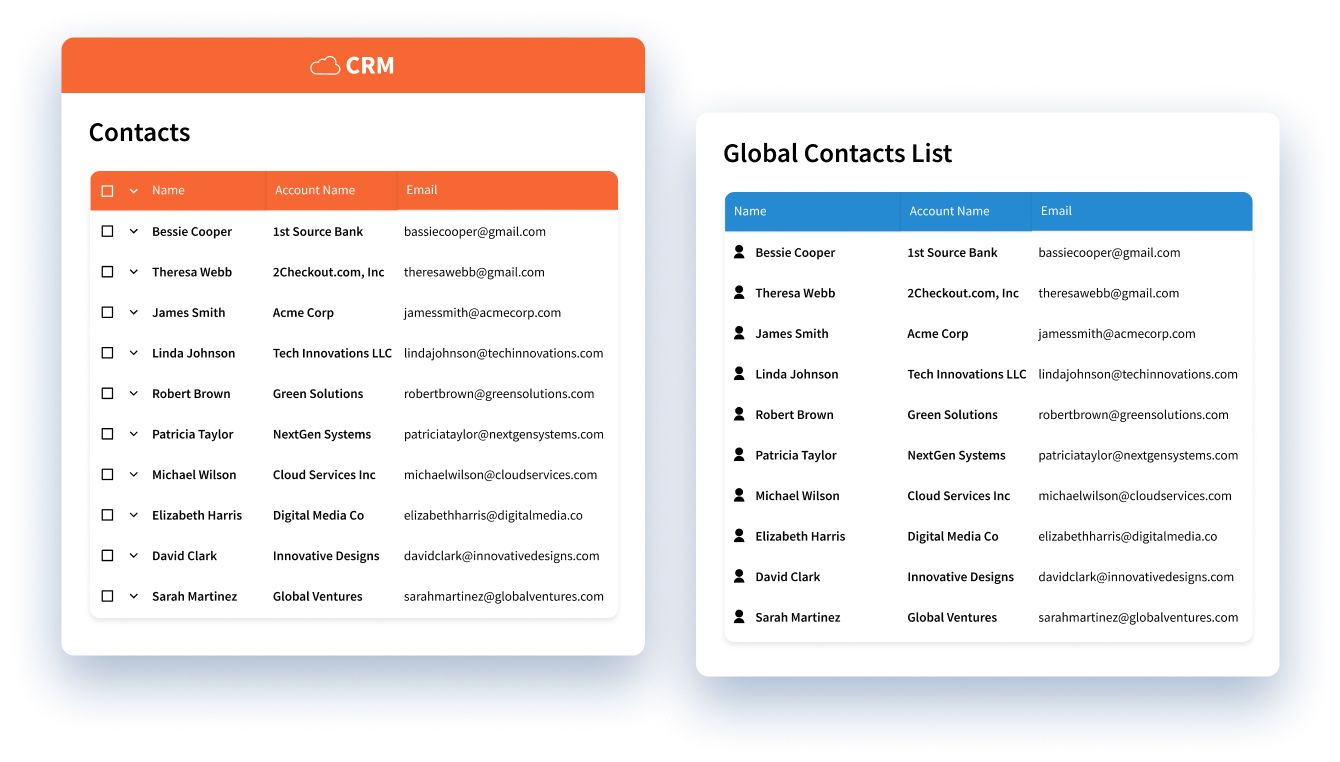
Make sure you’re working from the right list. Connect CRM contacts and address books so you’re always accessing updated, accurate customer contact data.
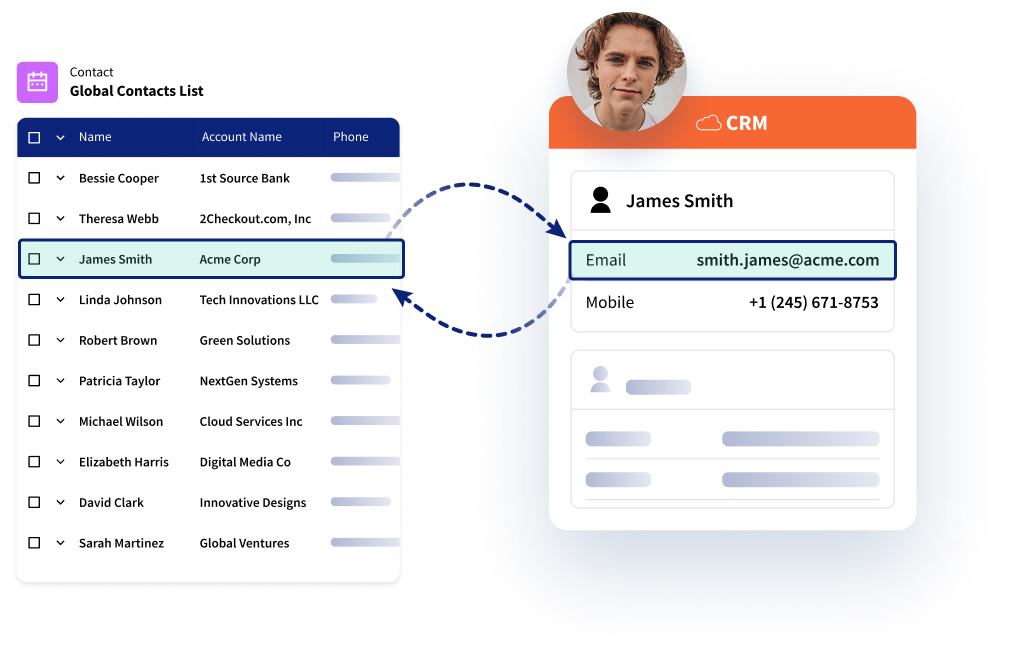
Maintain Up-to-Date CRM Records
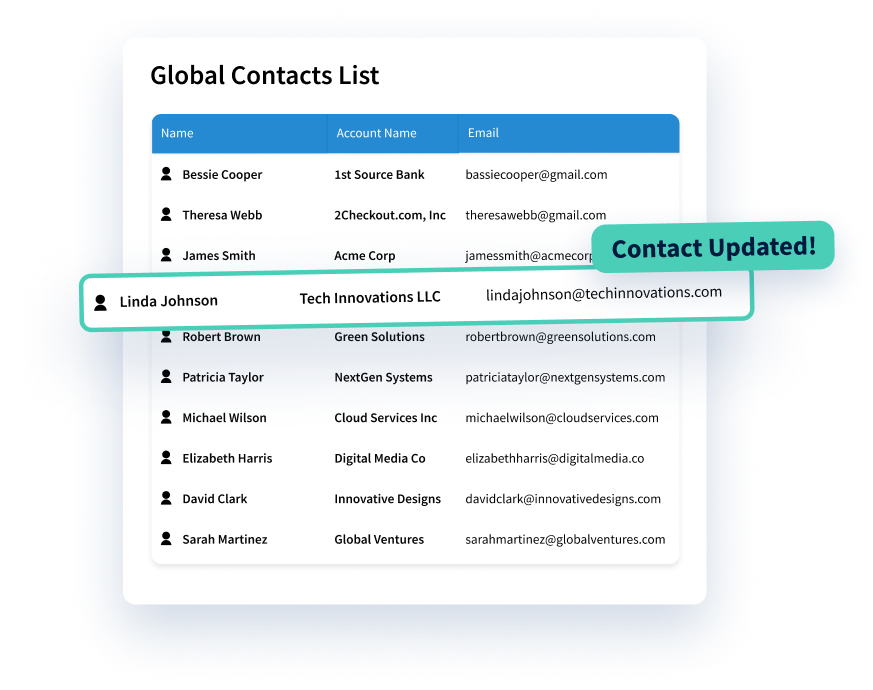
When a contact changes in one system, Riva updates the other according to your rules, eliminating manual efforts and keeping fields accurate.
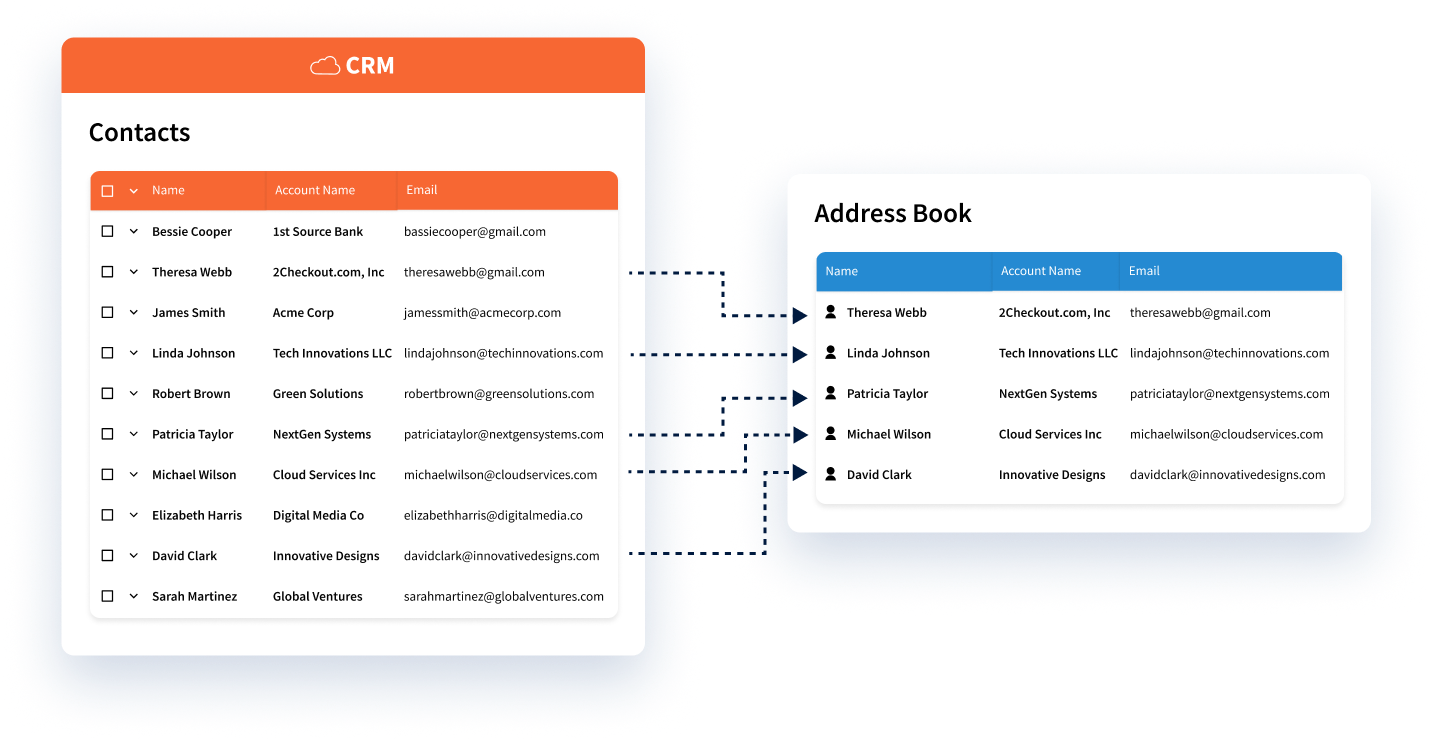
Manage Advisor Address Books
Focus on the relationships that matter most based on your team’s strategy. Build personalized address books based on each user’s book of business – all based on the CRM as your source of truth.
Features
Control How Contact Data Enters CRM
Automatically Update CRM Records
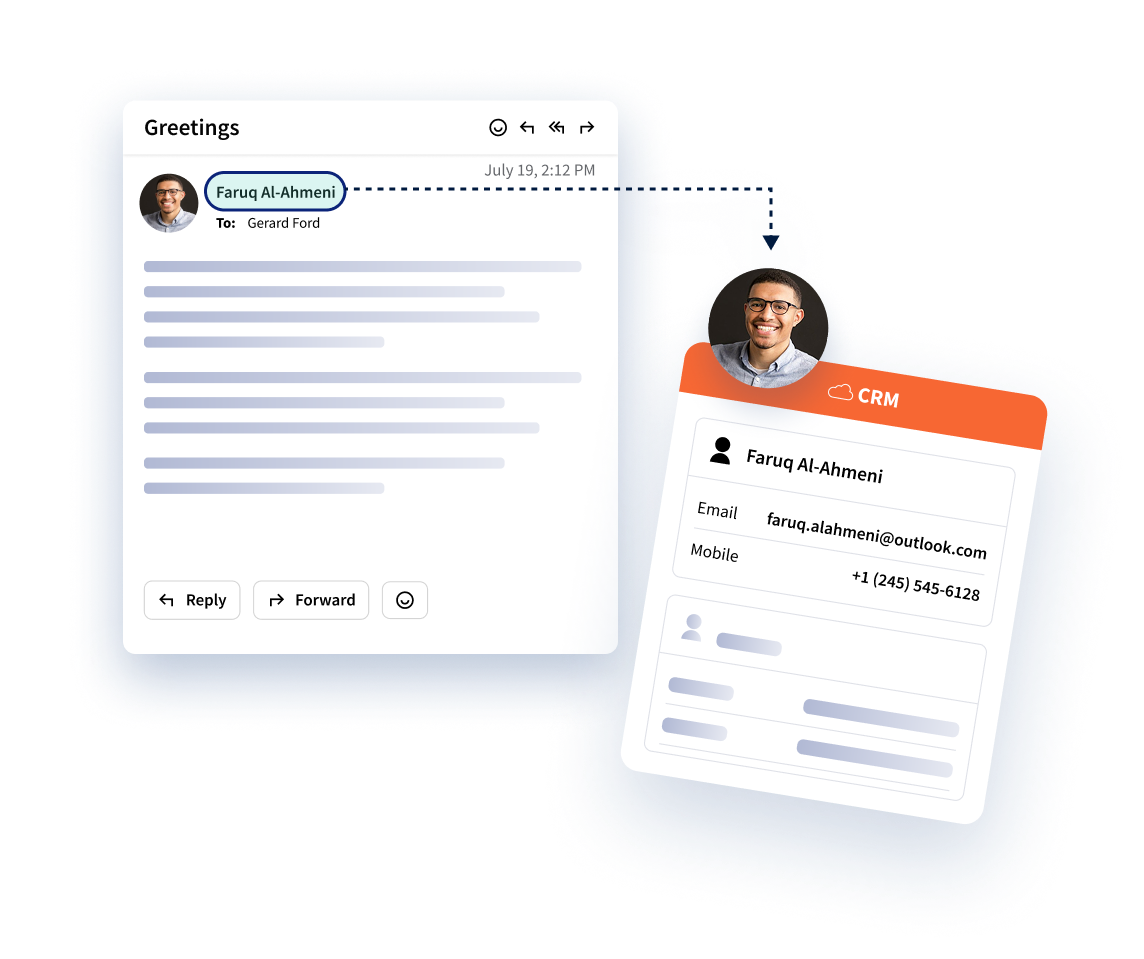
Sync contacts in both directions in the background. No browser plug-ins or manual steps required.
Intelligent Contact Sync
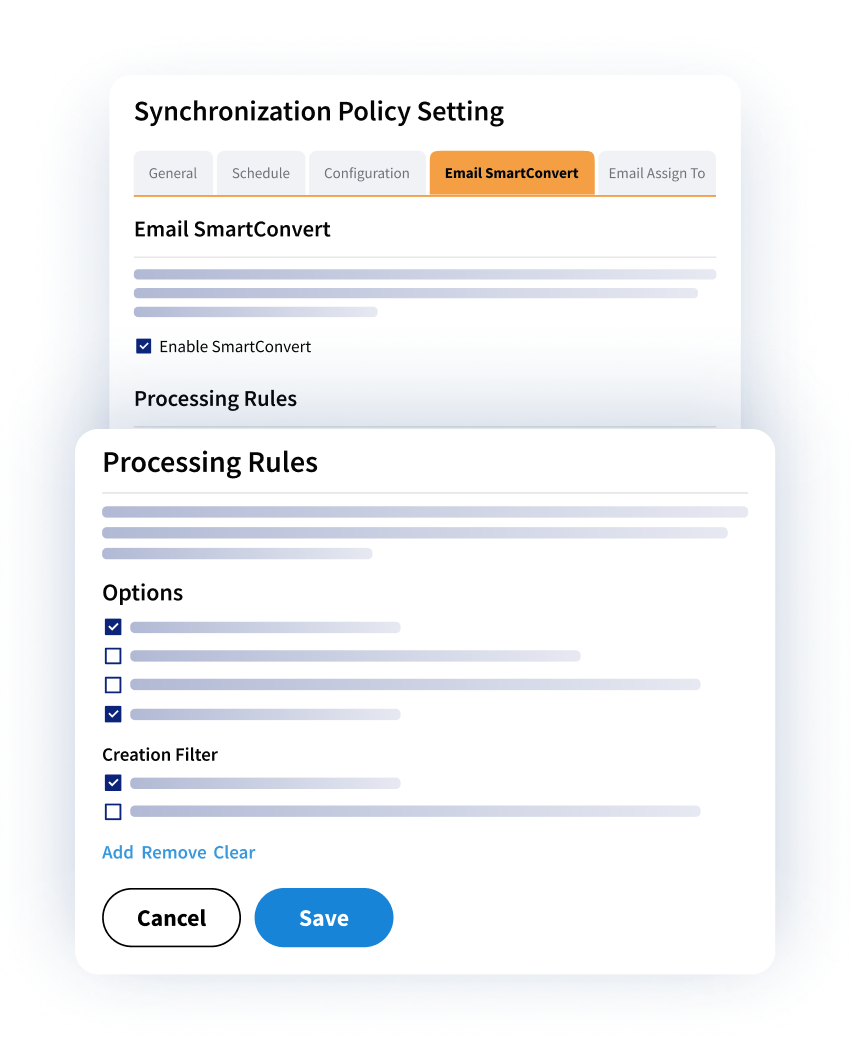
Control which contacts sync and how they flow between systems to ensure visibility aligns with your business rules and policies.
Dynamic Contact Filters
Use policy-driven filters and real relationships to ensure each user’s Outlook address only includes contacts relevant to their role, region, or book of business.
Why Leading Enterprises Choose Riva
Customer Success Stories
What Our Clients Say

"Effortless! Our advisors don’t have to change the way they work – they aren’t even aware that Riva is wrangling our client data across applications in the background. They have data they can trust in the applications they work in every day – and they no longer have to re-enter data!"
Executive Vice President and Chief Information Officer, Leading Boston-based Hedge Fund Firm
View Success StoryExplore the Riva Platform
More Ways to Supercharge Your Workflow
Meeting Intelligence
Automatically turn meetings into structured AI summaries, action items, and CRM-ready insights.
Calendar Sync
Connect calendars and meeting data to the CRM for a complete record of activity.
Email Capture
Capture emails as they hit your inbox and add them to the right CRM records for better client insights.
Insight Side Panel
View and update CRM data from inside your inbox to access client insights without switching tools.
Artificial Intelligence
Bring AI into real workflows with trusted context and enterprise control.
Email Bursts
Send personalized one-to-many messages using CRM data without leaving your email client.
Email Templates
Use pre-approved templates to draft consistent, effective emails quickly.
Sales Cadences
Create and manage step-by-step outreach sequences with built-in timing and automation.
Bookings
Share real-time advisor availability and automate client scheduling to improve customer experience.
Unlock Client Data. Elevate Client Experiences.