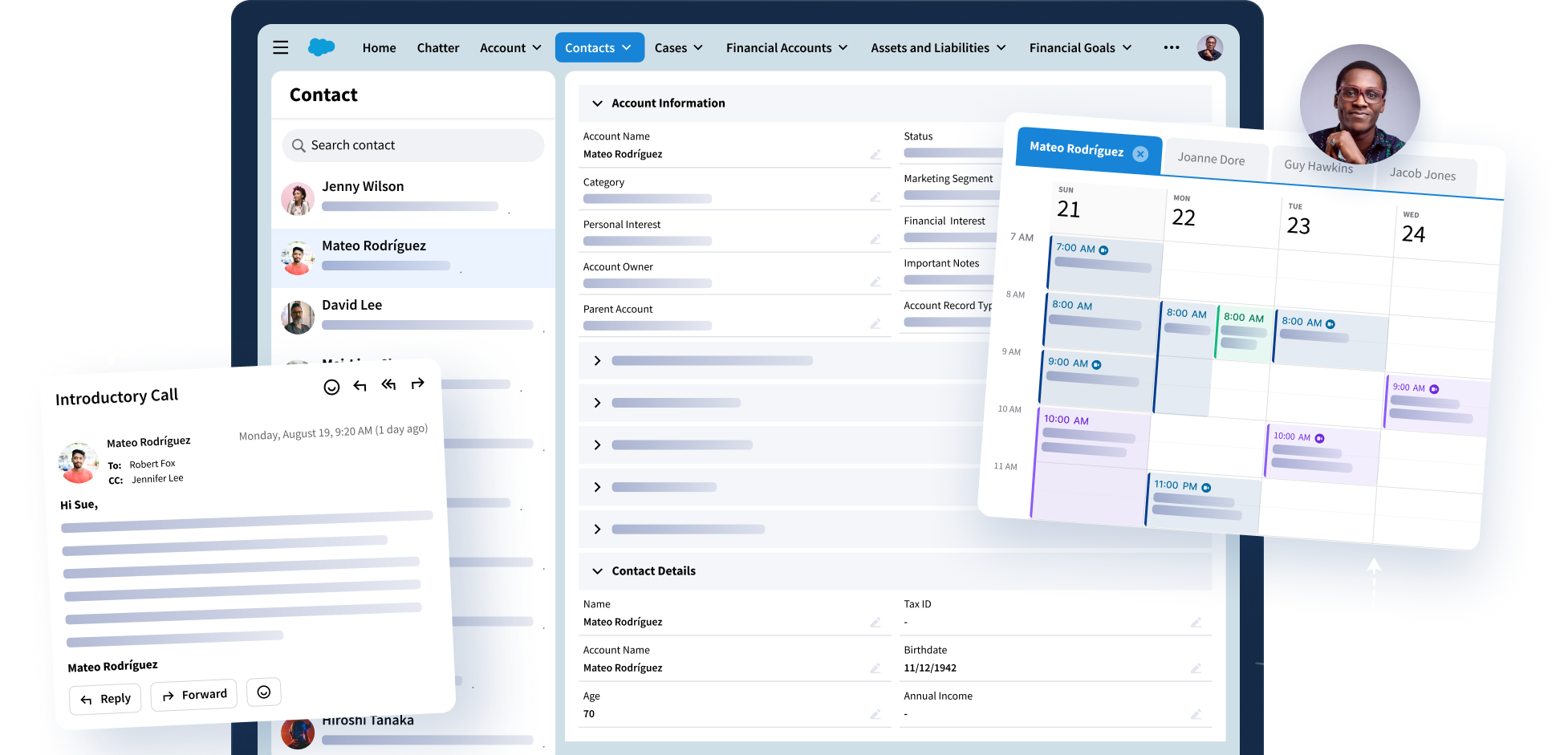
Turn Interactions Into Intelligence
Riva captures emails, meetings, and more to power a complete Customer 360 in your CRM, equip AI tools with the data they need to make an impact, and turn everyday activity into insights you can trust.
What Global Leaders Say About Riva

"Effortless! Our advisors don’t have to change the way they work – they aren’t even aware that Riva is wrangling our client data across applications in the background. They have data they can trust in the applications they work in every day – and they no longer have to re-enter data!"
Executive Vice President and Chief Information Officer, Leading Boston-based Hedge Fund Firm
View Success Story
"Riva has helped us mitigate the risk of losing the trust of our valuable high net-worth clients. 35,000 of our bankers and wealth managers no longer need to waste time toggling between systems. Instead, they are able to focus on providing our clients with stellar customer experience and a very personalized customer journey at every touchpoint with our organization."
Program Manager, CRM, US Multinational Investment Bank
View Success Story
“One of the key reasons we selected Riva was for [its] ability to scale across large numbers of users within our consumer bank as well as large populations of users across other related business units.”
Program Manager, CRM Strategy, Global Investment Bank with 70 Offices in 15 Countries
View Success StoryReturn On Investment
374%
95,000 +
Hours saved per year
200 +
Global financial service organizations trust Riva
2,000 +
Successful security reviews
Integrations
Connect the Tools You Rely On
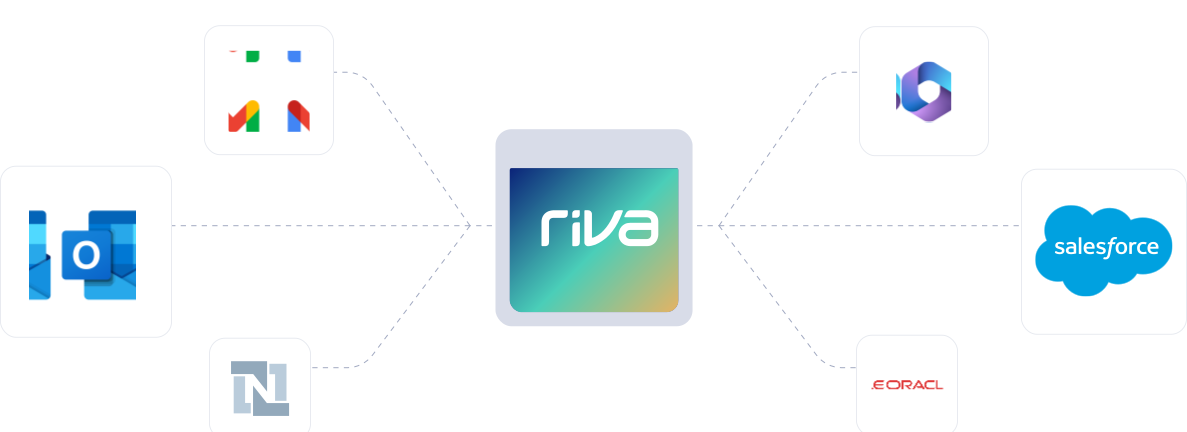
Riva works where you do, connecting Outlook and other core systems to your CRM. That means fewer silos, better data, and stronger collaboration.


What Customers Are Saying on G2
"We use Riva to enable Salesforce users to sync their emails with Salesforce. Riva helps us meet critical data loss prevention needs for the bank which off shelf SF Outlook integration tools."
Verified User in Banking
"Riva stands out for its seamless integration with major CRMs and email platforms. The platform is intuitive, reliable, and significantly enhances productivity by automating data synchronization across systems."
Danny H., Director
"We set up Riva sync with Salesforce to sync contacts to Outlook for multiple users. Literally never touched it after setup and NEVER had an issue. Low cost with hyper-responsive support."
Sam S., IT Manager
Questions? We Have Answers.
What does the Riva platform do?
What does the Riva platform do?
Riva captures emails, meetings, new contacts, and contact updates, then syncs them to the right files in your CRM. It keeps everything accurate, adds helpful context where your team works, and makes your CRM much more useful, including AI and business intelligence (BI) tools.
What tools does Riva work with?
What tools does Riva work with?
Riva connects directly with Salesforce (including Financial Services Cloud, Life Sciences Cloud, and Education Cloud), Outlook, and Microsoft Dynamics 365, syncing activity and contact data between your inbox, calendar, and CRM automatically. We can also support additional systems through standard integrations (e.g., NetSuite), but with no option for custom builds.
Can I update CRM records without leaving my inbox?
Can I update CRM records without leaving my inbox?
You can. Riva’s Insight side panel brings CRM context right into your email and calendar, so you can check details, make updates, or add new records without ever switching tabs. By default, it shows related records like Accounts, Contacts, Opportunities, Tasks, Emails, and Events. Admins can fully customize which objects and fields show up, which means your team always sees the most relevant info, exactly where they need it.
Does Riva support two-way sync and custom CRM fields?
Does Riva support two-way sync and custom CRM fields?
It does. Riva supports bi-directional sync and gives you complete control over what gets captured. It supports both custom and standard fields, and writes to standard Salesforce objects, like Tasks and Opportunities, so your data is always ready for reports, dashboards, and automation out of the box.
Is Riva secure, and can we choose how it gets deployed?
Is Riva secure, and can we choose how it gets deployed?
Absolutely. Riva is built for industries where privacy and compliance matter most. You can run it in the cloud, on a dedicated server, or on-premises, and you’re guaranteed the same secure, scalable, experience every time.
How configurable is Riva’s activity capture?
How configurable is Riva’s activity capture?
Very. Admins define capture policies that control what gets synced, in which direction, who can sync, and where it lands in CRM. You can filter by ownership/visibility, date ranges, and other criteria. You can also require an explicit user cue (e.g., a category or tag) before syncing, target standard CRM objects, and more.
Unlock Client Data. Elevate Client Experiences.