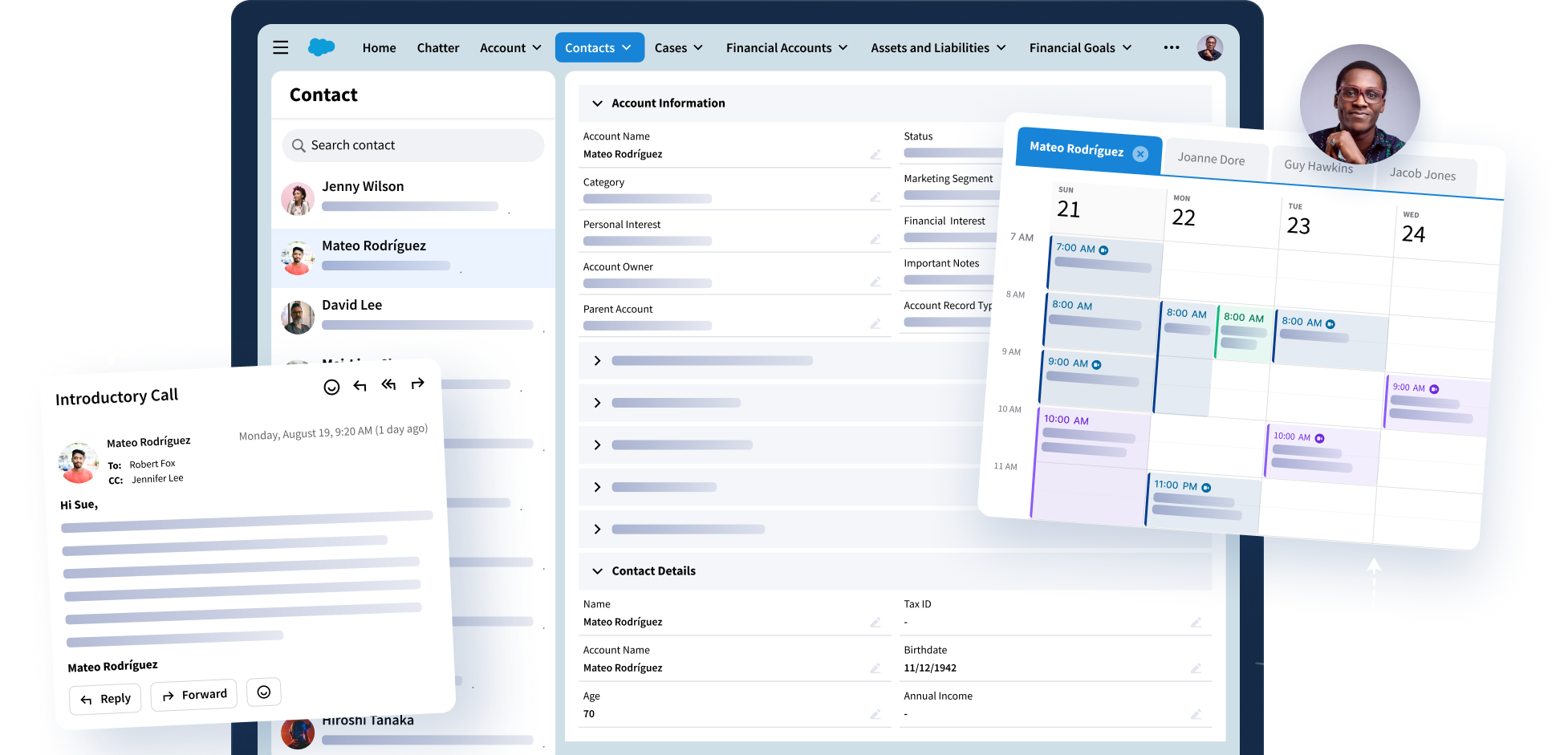


Riva is here to make CRM easier, smarter, and in line with industry and regulatory requirements. Our intelligent Sync is one way we deliver on that promise – by creating seamless real-time customer data flow between CRM, email, calendar, task, and contact applications at scale.
Our newest release is ready and delivers some key improvements!
Compliant Sync: Tailored to Your Needs
Riva is committed to helping you remain compliant to all the regulatory bodies you answer to. Now, Riva can be configured to leave out sensitive data like calendar fields or the body of emails from Exchange. As a result, this data, which may contain material non-public information, is not synced to CRM and never leaves your premises.
Improve Calendar Accuracy with Meeting RSVPs in CRM
Riva’s new sync configuration, Decline Appointment Polling, detects declined appointments in a user’s Deleted items folder. It then matches them to the appropriate CRM appointment and replaces the incorrect status set by CRM, “Not Responded”, with the correct one – “Declined”. Another data quality wrestling match won by Riva!
Note:
The feature is turned off by default. To enable:
- For Riva Cloud: contact the Riva Success Team.
- For Riva On-Premise: an advanced option needs to be configured in your sync policy.
Managing Riva Connections and Policies Has Never Been Easier!
Deployment: Riva On-Premise.
Riva Command Line Interface (CLI) is a tool that allows admins to use Riva services and manage Riva Connections and Policies using the command lines. By integrating these into scripts, Riva removes the need for human interaction, getting your team to be more productive.
Salesforce. Tailored to Work for You
Deployment: Riva On-Premise.
We are always working to make things easier for you. Now Riva allows you to lock available fields so that they don’t get added to the connection when it refreshes. This helps preserve the integrity of customizations that may depend on which fields are connected.
Renewals You Can See Coming
Deployment: Riva On-Premise.
Admins are now notified 30 days before their Riva license is about to expire. Along with the prompt, the License Tab on RivaApp also displays a warning to make sure you don’t experience an interruption in your service.
Riva’s Compliance with Google API Changes
Riva now uses Google People API instead of the legacy Google Contacts API which was recently sunsetted.
Visit our knowledge base to learn more, get the details from our screenshots and accompanying deep dives on each feature and configuration and understand who is affected.
(Unless specified, all the features listed above apply to all CRM and Email platforms supported by Riva and for all deployment options.)