

Client engagement does not usually fall short because of poor messaging or lack of effort. It stalls when the right information is not visible at the moment it is needed. For customer-facing teams, scattered signals across inboxes, dashboards, CRM records, and reports can make it harder to act with control, accuracy, and confidence.
Most teams are not short on activity. Emails are sent, meetings happen, contacts are added, and follow-ups are planned. The challenge is that the information needed to understand the full client relationship often lives somewhere else.
A seller may need to leave Outlook to check CRM history before replying to a prospect. A relationship manager may need to open a separate report to see whether a client engaged with an email. A CRM admin may need to investigate why an activity was logged against the wrong record.
That gap matters. When visibility sits outside the flow of work, teams have to pause, search, interpret, and then act. Each step adds friction and creates more context switching. Over time, that friction affects response speed, prioritization, data quality, and the consistency of the client experience.
Better outreach begins when visibility moves closer to the work itself.
Email Engagement Tracking Belongs Where Decisions Happen
Engagement data is most valuable when it helps someone make a better decision in the moment. A dashboard can show what happened, and a report can reveal a trend. But client engagement decisions often happen earlier, when a user is reading an email, preparing a reply, reviewing a contact, or deciding which relationship needs attention next.
If the context needed to make that decision lives in a separate workflow, it is less likely to shape the action.
That is why email open and click tracking should not be treated as reporting alone. Reports matter, but the bigger opportunity is to bring trusted engagement signals into the places where teams already spend their time.
When engagement data appears in the daily workflow, users can quickly see whether someone opened an email in Outlook, understand who is engaged, identify relationships that may need follow-up, and use CRM context to guide the next interaction.
More Data Does Not Mean Better Visibility
Many organizations have more customer data than ever before, but more data does not always create more clarity. Users still need to know which signals matter, which records to trust, and what action to take next.
The real value comes from surfacing the right context, at the right time, in a format that supports the user’s role and workflow.
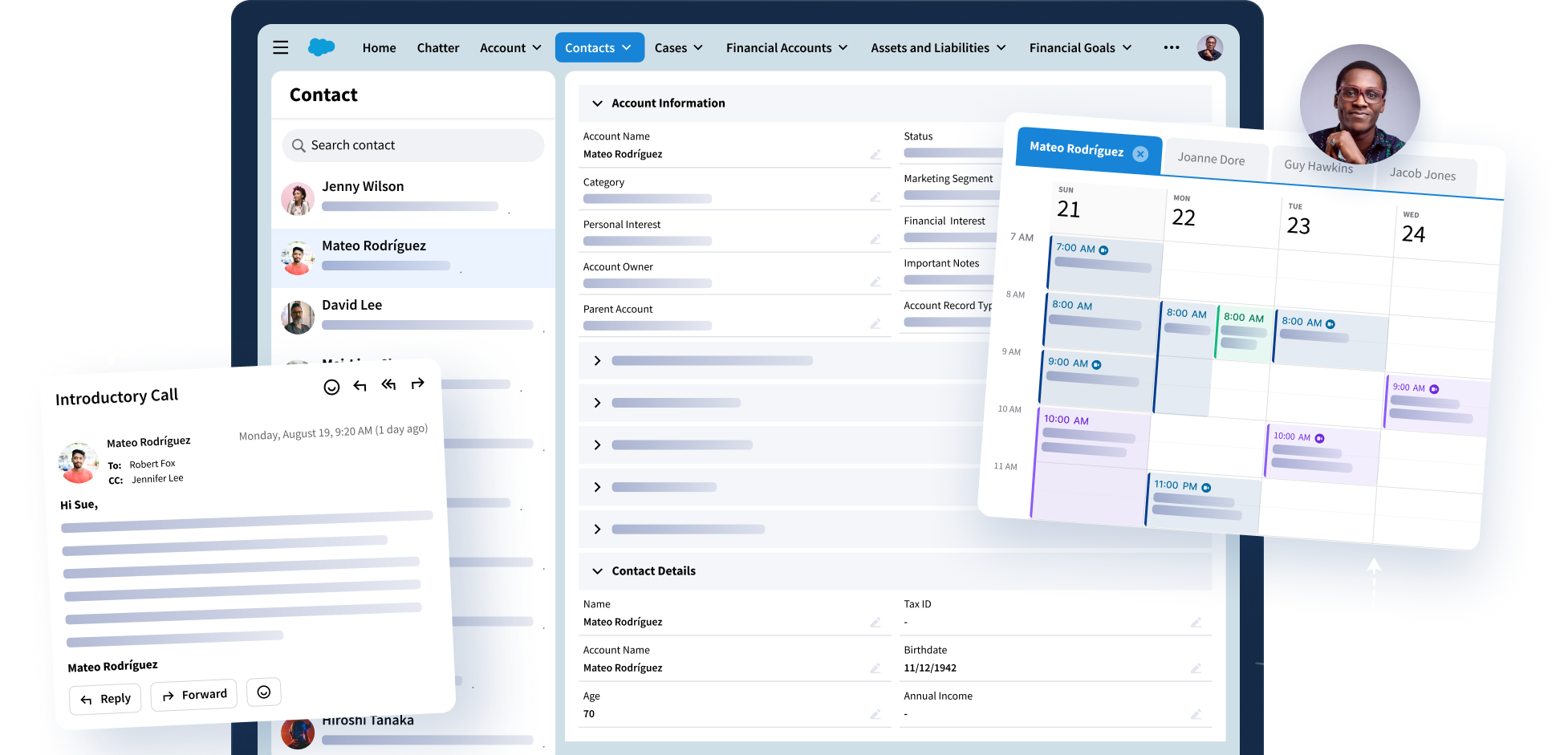
Imagine a relationship manager preparing for a client follow up in Outlook. Instead of switching between CRM records, reporting dashboards, and inbox folders, they can immediately see whether the client opened the latest proposal, which contacts engaged with prior emails, and what CRM activity is already associated with the account. Without leaving Outlook, they can correct a synced email tied to the wrong record, generate a quick summary of the thread, and decide which relationship needs attention next.
The value goes beyond knowing whether an email was opened because it provides the right engagement context available inside the workflow where decisions are already being made.
Email tracking software is most useful when it supports that kind of clarity across roles. Sellers can prioritize follow-up based on reliable engagement signals. Relationship managers can reply with CRM context in view. CRM teams can reduce manual cleanup because users can create, update, and correct records accurately.
Visibility is strongest when it feels relevant. Different teams need different information, and organizations need the flexibility to reflect those differences without adding unnecessary complexity.
Better Visibility Helps Users and Admins
A strong visibility strategy has to serve both the people doing the work and the people responsible for governing the systems behind it.
End users need CRM information to appear where it is useful, without having to search across systems or interrupt their workflow. They also need simple ways to correct mistakes, such as updating an email that was tracked to the wrong CRM record.
Admins need control, consistency, and confidence. They need to decide which modules are available to which users, how CRM data is displayed, and how engagement workflows align with internal policies. They also need to reduce the support burden that comes from manual fixes, duplicate records, and inconsistent data capture.
When both sides are supported, visibility becomes sustainable. Users are more likely to work in the system because the experience is easier. Admins gain more confidence in the data because the workflow is more controlled. The business benefits from cleaner relationship intelligence and a more consistent client experience.
Six Ways Riva 2026.2 Updates Support Better Visibility
Riva’s 2026.2 release builds on this idea with updates designed to help teams see what matters, act faster, and govern CR workflows with more control across Riva Sync, Riva Insight, and Sales Engagement.
1. Prioritize follow-up with more dependable engagement signals.
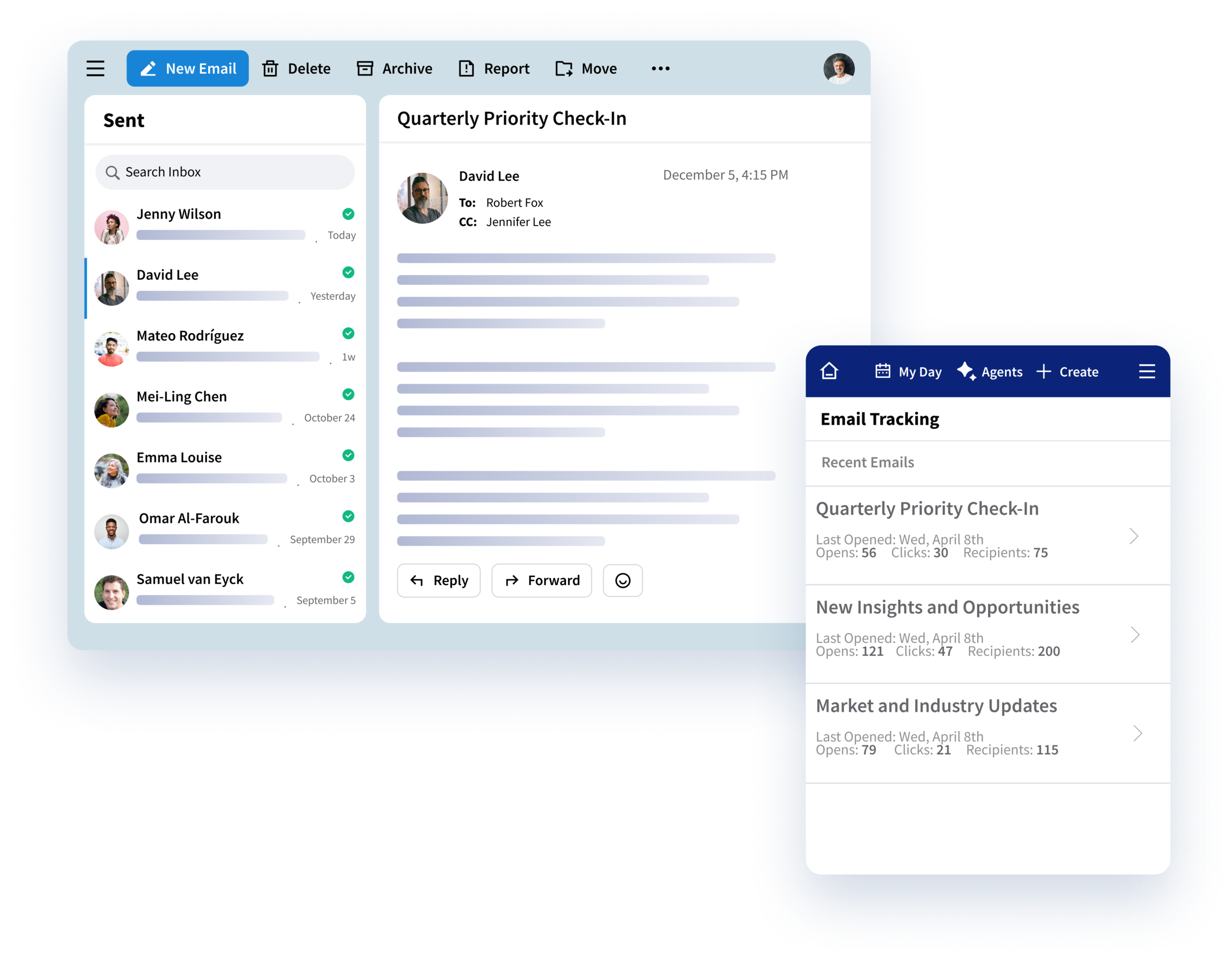
Cleaner email engagement tracking gives teams more reliable open and click data, including email click tracking signals that help them understand client interest and decide where to focus next.
2. Tailor the Outlook CRM experience by role.
Self-serve, dynamic Insight layouts give admins more flexibility to shape the CRM view inside Outlook based on Salesforce user profiles, permissions, and record types, so each team sees the context most relevant to its work.
3. Move through common tasks faster.
Workflow-embedded AI capabilities in Insight help users generate replies, summarize threads or voice notes, and accelerate contact creation without breaking their flow.
4. Correct tracking issues without a support ticket.
Re-track synced emails allows users to reassign emails that were tracked to the wrong CRM record, reducing IT involvement, duplicate records, and manual CRM cleanup.
5. Keep CRM records more complete with less effort.
Contact Discovery enhancements help users identify missing contacts and maintain stronger CRM records in the flow of work.
6. Govern modules and modernize Exchange support with more confidence.
Riva Sync enhancements give admins greater control over user-level module access, expand Graph-based support for folder-based email modules, and support custom calendar objects such as Phone Call and Service Appointment records. These updates help organizations prepare for Microsoft Modern Exchange while maintaining the governance and reliability they need at scale.
Summing Up
Better outreach starts with better visibility. When email open tracking in Outlook, engagement data, CRM context, and workflow intelligence are available where work already happens, teams can build stronger relationships with less friction and more confidence.
Better client engagement starts with better visibility. See how Riva helps teams bring trusted engagement signals and CRM context directly into Outlook. Book a demo with our team.